





From the series “Lighting and Accessories — Trends for 2026”
You come home in the winter and want the heat to be on before you even turn the key in the lock. You’re lying in bed and don’t have the energy to get up to turn off the light in the living room. You’re going away for two weeks and wonder if your apartment will get too cold or if a stranger might notice that no one’s home because the lights never come on. These are everyday situations where the phone in your pocket can do more than just answer a call.
Ospel addresses these needs with products from the Sonata series: the Sonata Touch Wi-Fi touch switches and the Wi-Fi electronic thermostat. They work with the free Tuya Smart Life app and let you manage lighting, blinds, and heating or air conditioning from a single place, whether you’re in the living room or miles away from home.
How does controlling your home from your phone work in practice?
The principle is simple: the switches and thermostat connect to your home Wi-Fi (2.4 GHz band), and you manage them through the Tuya Smart Life app, available for free on Android and iOS. In the app, you can see the status of each device, turn them on and off from anywhere in the world, and set up schedules and scenes—for example, the “evening” scene turns off the lights throughout the house and lowers the temperature by two degrees with a single tap on the screen.
This doesn’t replace traditional controls—it complements them. Each switch has a touch panel on the wall, and the thermostat also works locally via its own knob. The app is an option, not a requirement, so anyone without the Tuya app on their phone can operate the devices just as they would with traditional hardware.
Sonata TOUCH
© OSPEL
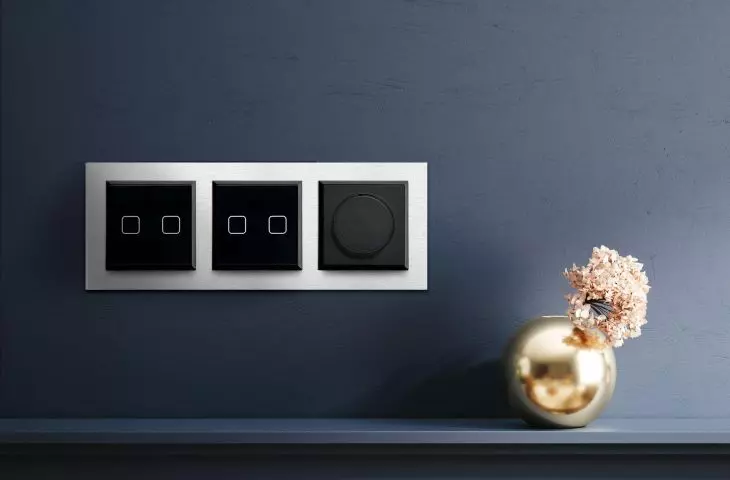
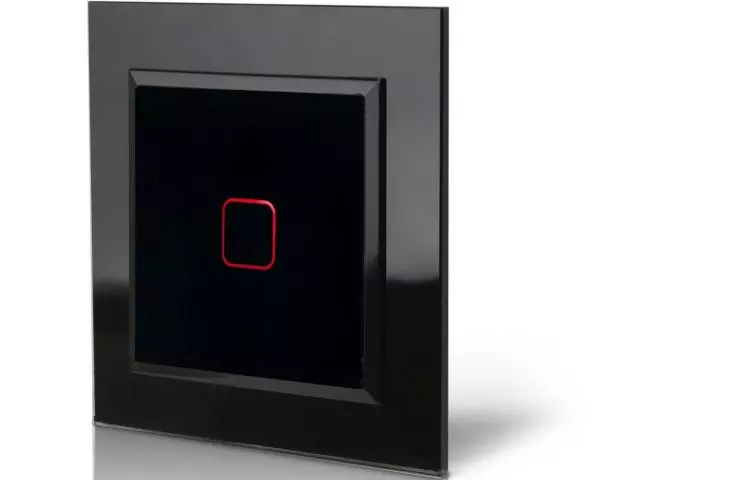
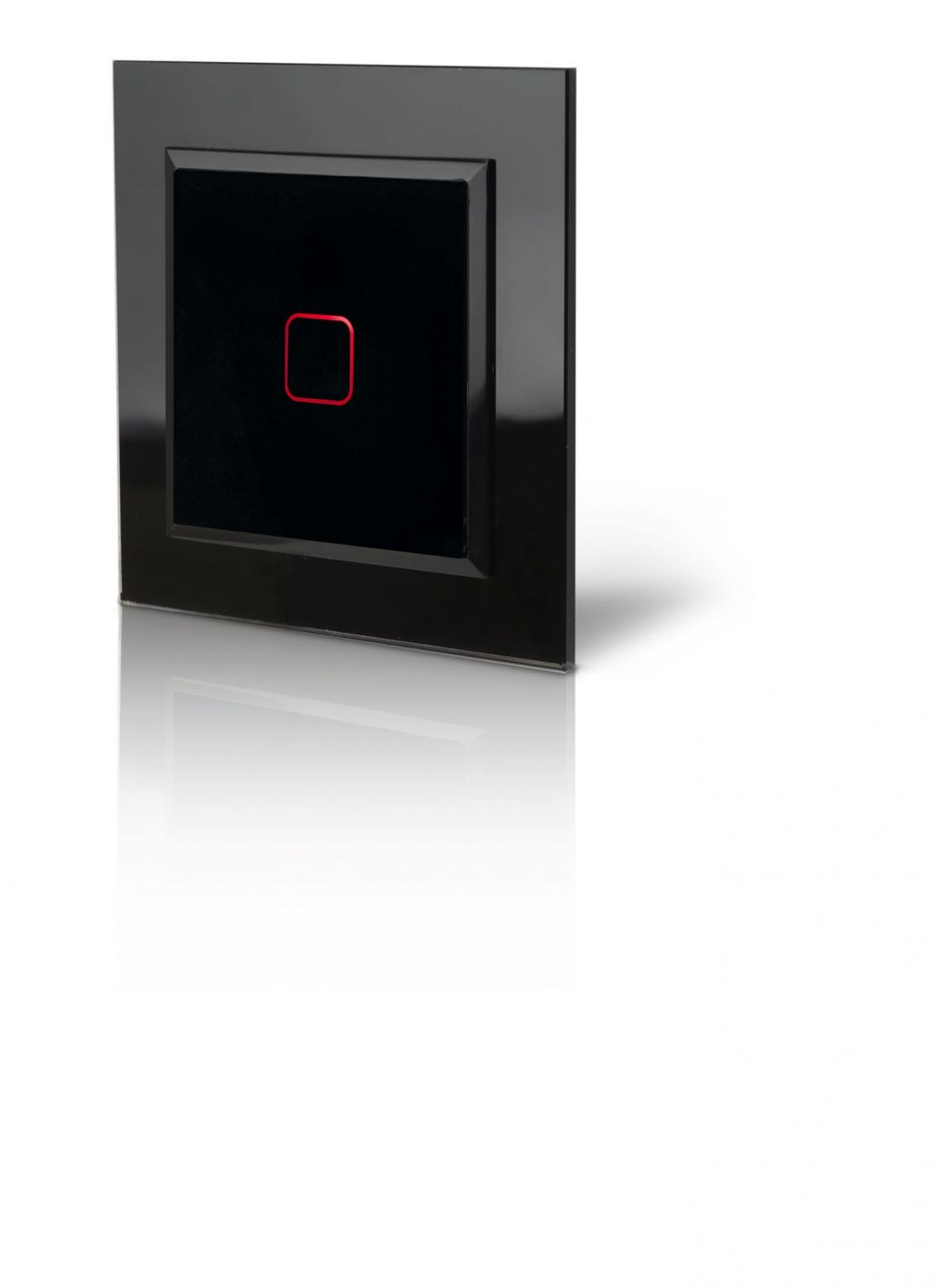
Sonata Touch Wi-Fi – switches controlled by touch or via a phone
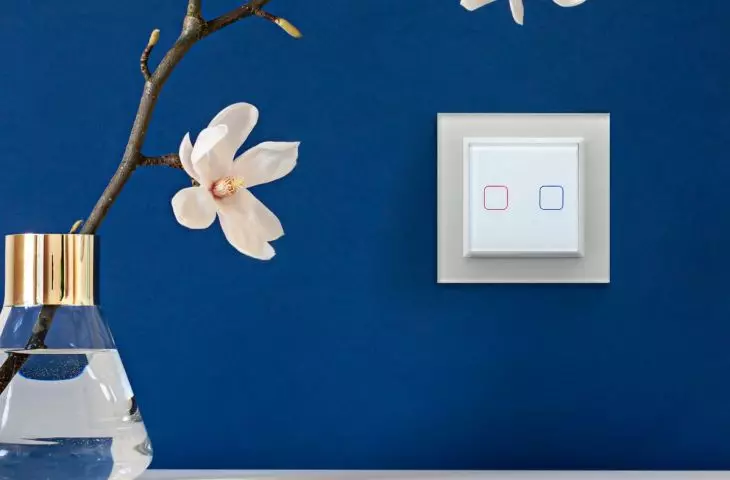
Sonata Touch is a series of glass touch-sensitive switches that, in and of itself, makes a strong aesthetic statement in a modern interior. The Wi-Fi version adds remote control without changing either the appearance or the installation method.
The series includes three models that cover most home needs:
-
ŁPDT-1RS — a single-pole switch for easily turning a single lighting circuit on and off.
-
ŁPDT-2RS — a two-group switch for independently controlling two circuits from a single location on the wall.
-
ŁPDT-7RS — a blind control switch with three touch-sensitive areas (up, stop, down), for remote control of blinds.
What you get when you choose this series:
-
Remotely turn the lights on and off from your phone, from anywhere—not just within range of the wall switch.
-
Voice control thanks to integration with Google Home and Amazon Alexa—so you can simply say “turn off the kitchen light” instead of searching for the switch.
-
Schedules and scenes —you can set the times when the lights should turn on and off, or configure a single scene that activates multiple switches at once.
-
Energy consumption tracking for connected lighting, so you can see in the app how much a given circuit actually costs you.
-
Staircase and cross-circuit configurations without additional wiring —a few switches, configured virtually in the app, replace the traditional system of staircase and cross-circuit switches. Communication between them takes place exclusively via Wi-Fi.
Visually, Sonata Touch Wi-Fi consists of glass panels with a smooth or frosted finish, available in white and black, which you mount in elegant Prestige frames, ranging from single to five-gang configurations. This means that a single panel on the wall can support several independent functions while maintaining a consistent, minimalist look for the entire installation.
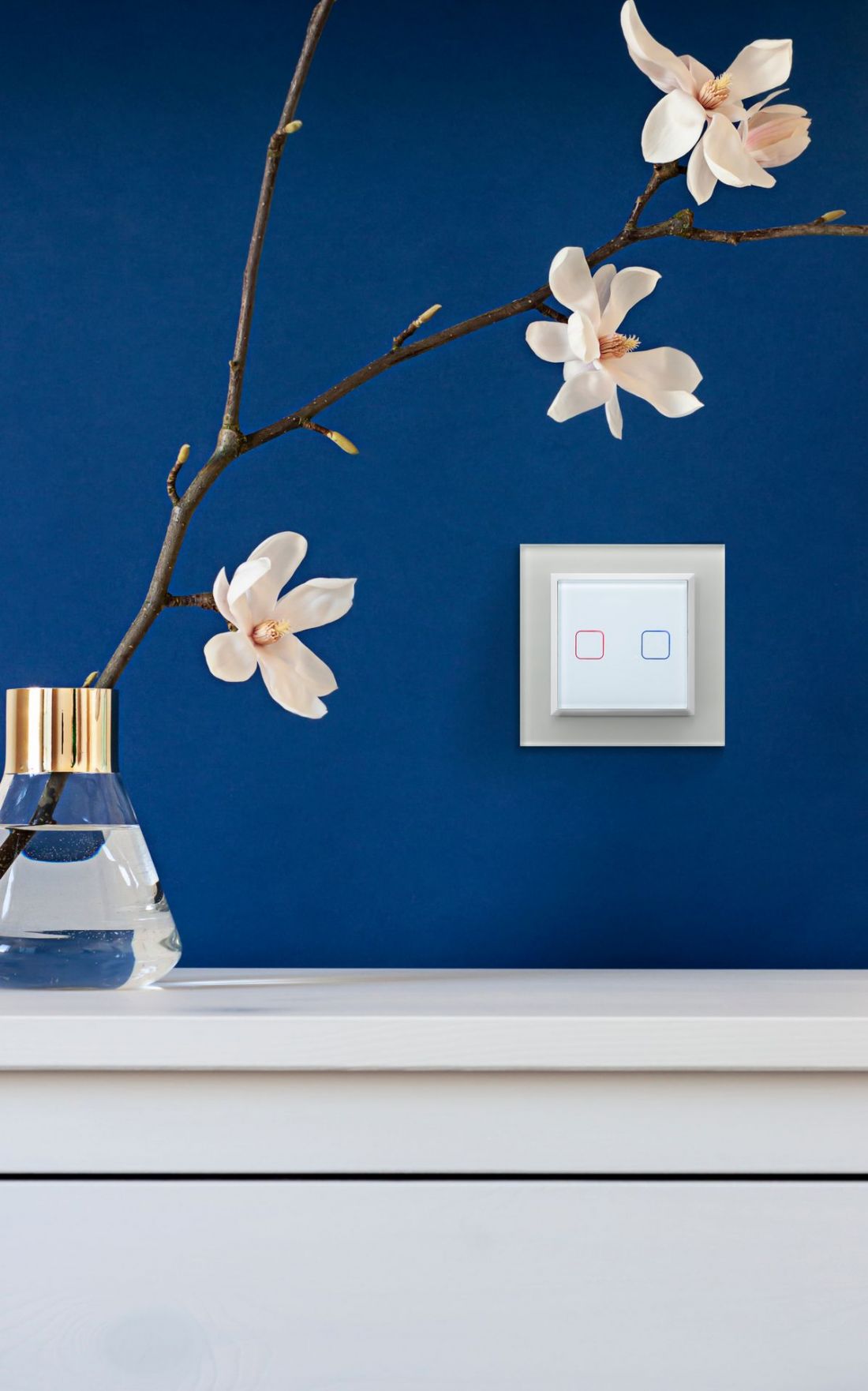
Sonata Touch with white glass installation
© OSPEL
Sonata Wi-Fi Thermostat — Control Heating and Air Conditioning from a Single Screen
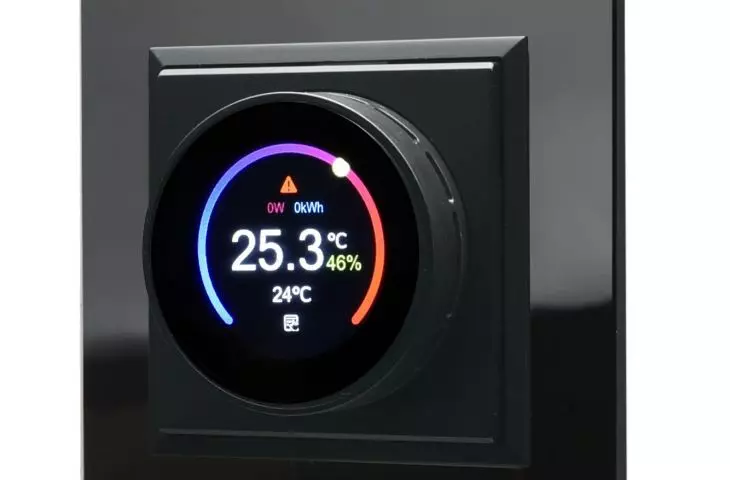
The second product that fits into the “control your home with your phone” concept is the Sonata series Wi-Fi electronic thermostat (model RTE-1R/m/…). This thermostat replaces several separate controllers with a single device—it supports water-based and electric underfloor heating, including heating mats and films, as well as ON/OFF-type air conditioning.
The temperature control range is 5–35°C, and it can be operated in two ways: locally, using the knob on the wall, or remotely via the Tuya Smart Life app. “Remotely” really means remotely: you can raise the temperature at home while driving home from work, or check whether the heating definitely turned off in time while you were airing out the room—even if you’re kilometers away.
The thermostat also has several features that genuinely enhance the comfort and safety of your home:
-
A built-in hygrometer, which lets you see not only the temperature but also the humidity in the app.
-
Open-window detection —the thermostat automatically lowers the temperature while you’re airing out a room, so you don’t pay to heat the street.
-
Limiter mode (overheating protection), which protects delicate floor finishes—such as vinyl panels or wooden planks—from warping due to underfloor heating.
-
Child lock and PIN code, useful in homes with small children or in public spaces.
-
Daily schedules —you can set a lower temperature at night and during work hours, and a higher one just before you get home, which actually translates to lower heating bills.
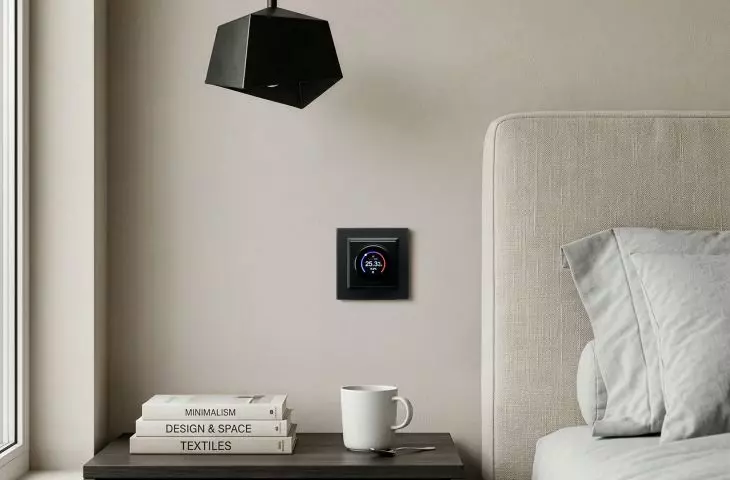
The thermostat is part of the Sonata series, so it matches the color and style of the switches and outlets from the same line—the entire installation in your home, from the light switch to the thermostat, looks cohesive.
One app, your whole home under control
The greatest strength of both products is revealed when they work together. In the Tuya Smart Life app, you can combine Sonata Touch Wi-Fi switches and the thermostat into a single scene: for example, the “leaving home” scene, which turns off all the lights, lowers the temperature by a few degrees, and lowers the blinds with a single tap on the screen, even before you close the door. Or the “coming home” scene, which raises the temperature and turns on the light in the entryway half an hour before you arrive.
This isn’t some distant vision of a fully automated home requiring a large budget for a major renovation. Both devices are installed in standard electrical boxes, just like regular switches and outlets, so you can introduce smart home features gradually—starting with a single room or a single function, and expanding the system as needed.
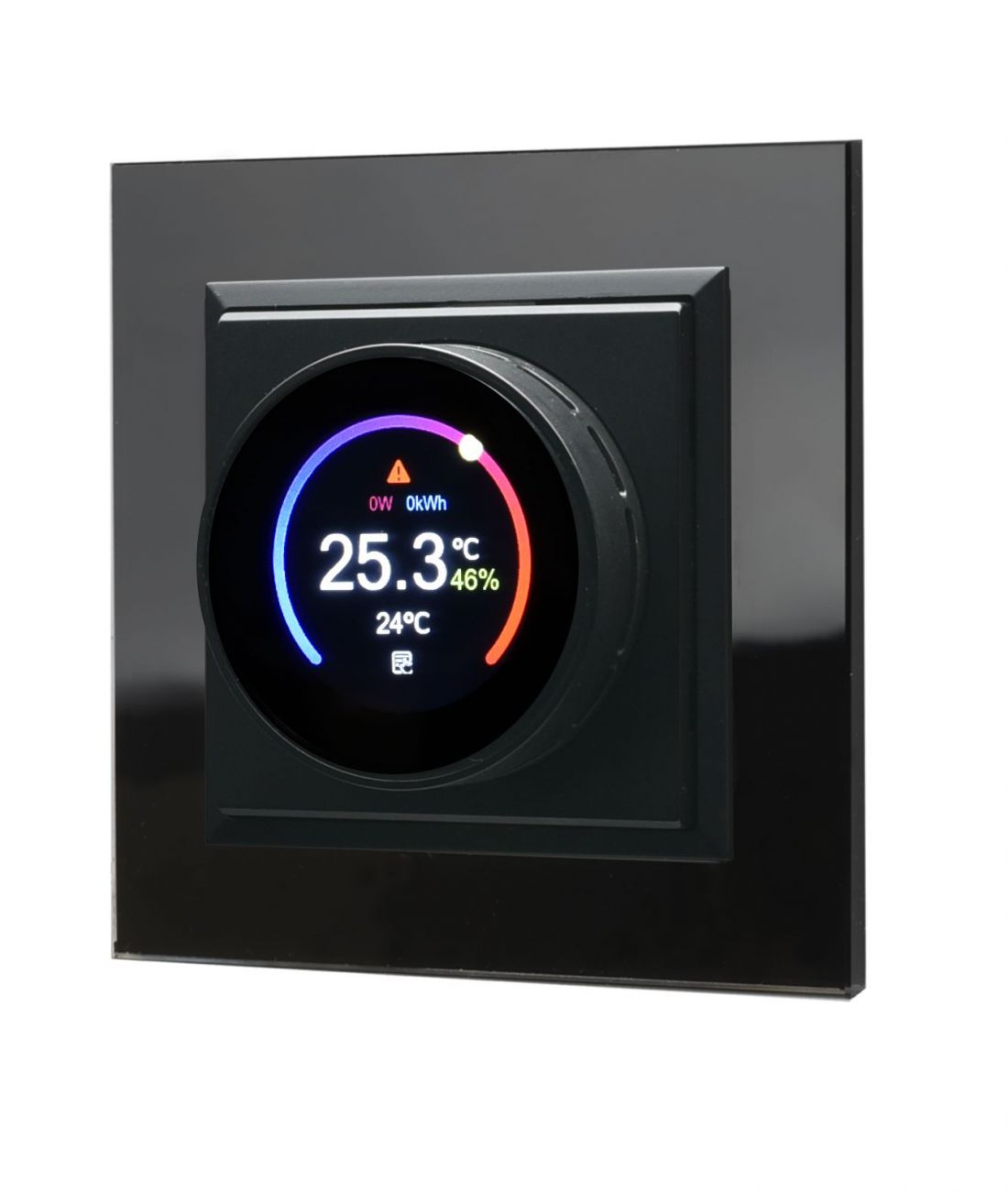
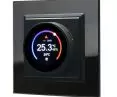
Sonata Electronic Thermostat
© OSPEL
What You Gain by Choosing to Install It
Beyond the convenience itself, controlling your home from your phone translates into several concrete benefits:
-
Lower heating bills thanks to schedules, open-window detection, and the ability to quickly adjust the temperature remotely, instead of heating “just in case” all day long.
-
Greater comfort in everyday life —you don’t have to get out of bed to turn off the lights, nor do you have to go back home to check if the lights are definitely off.
-
A cohesive, elegant look for your system —the Sonata Touch glass panels and the controller’s round display create a unified style throughout your home, without a jumble of separate, mismatched controllers.
-
Scalability —you can start with a single switch or a single controller, and expand the system to include additional rooms and features without having to replace the entire electrical system.
-
Real safety —child lock, PIN code, and protection against floor overheating aren’t just marketing gimmicks, but features that actually protect your family and your home’s interior finishes.
What You Should Know Before Installation
Both the Sonata Touch Wi-Fi switches and the thermostat require a full power supply—that is, the live (L) and neutral (N) wires must be connected to the junction box—and, for remote operation, access to a 2.4 GHz Wi-Fi network. In older electrical systems, where only the live wire is connected to the switch, you may need to run a neutral wire before installing the Wi-Fi version.
The installation itself in the junction box, using screws or claws, is similar to installing a regular switch or thermostat, but connecting it to the electrical system involves working with line voltage — it’s best to have an electrician do this, especially if you need to run a missing wire or configure a staircase system with multiple switches. Configuring the device in the Tuya Smart Life app is a step you can handle on your own, following the instructions included with the product.
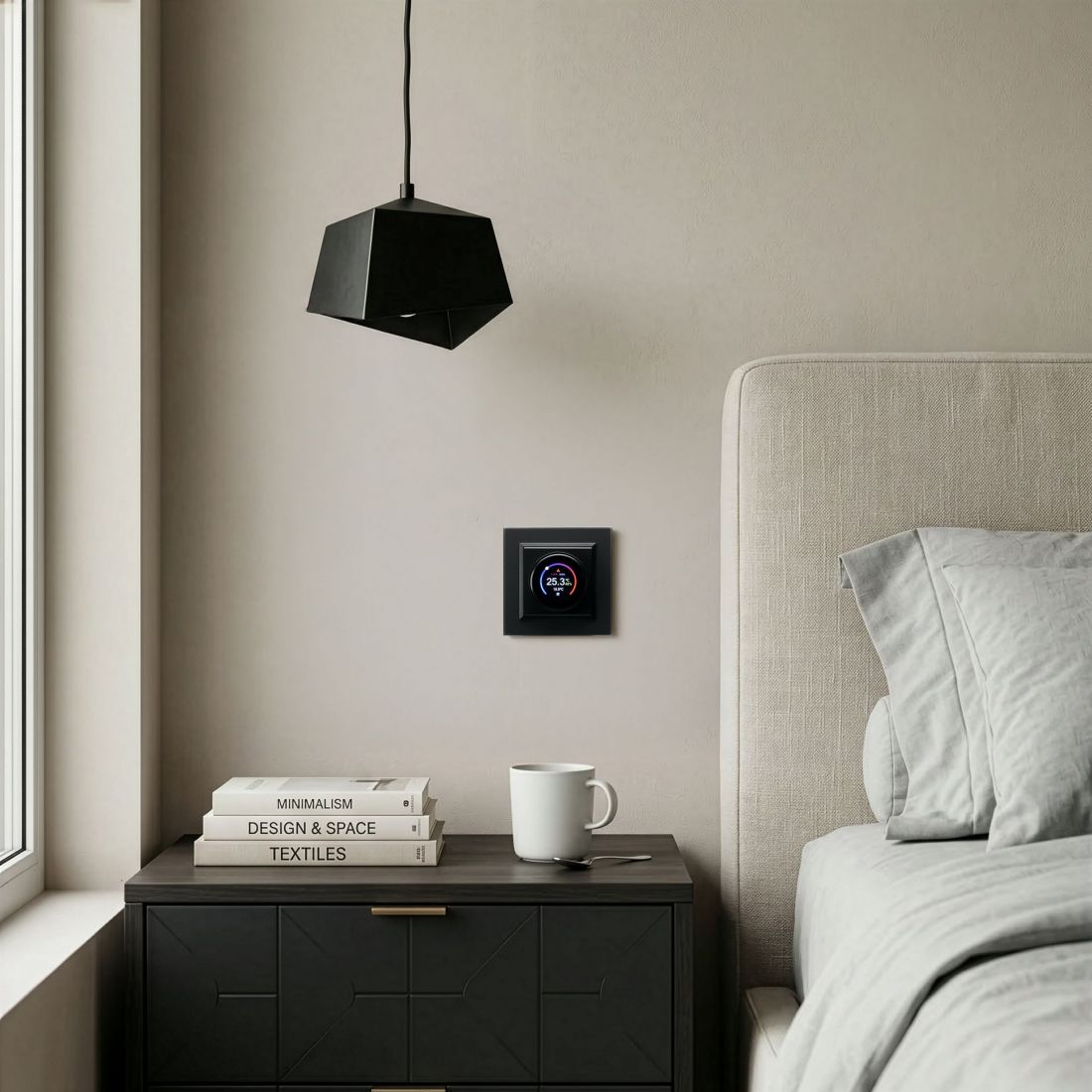
Sonata temperature controller in a glass frame
© OSPEL
FAQ — Frequently Asked Questions About Controlling Your Home with Your Phone
Do you need constant internet access to use the Sonata Touch Wi-Fi and the thermostat? For remote control via the Tuya Smart Life app, yes—the devices must be connected to your home’s 2.4 GHz Wi-Fi network. Without an internet connection, they still work locally: you operate the switches by touching the panel, and the thermostat using the knob on the wall.
Can I control the lights and heating with voice commands? Sonata Touch Wi-Fi switches are compatible with Google Home and Amazon Alexa, so you can also control the lights and blinds using voice commands. You can control the thermostat via the Tuya Smart Life app or locally using the wall-mounted panel.
Can the Ospel thermostat control both underfloor heating and air conditioning at the same time? One device supports one system at a time, but the thermostat itself is universal—it works with both water-based and electric underfloor heating (including heating mats) as well as ON/OFF air conditioning, so you can use the same model for different systems in various rooms.
Does installing the Sonata Touch Wi-Fi require rewiring the home’s electrical system? Usually not—the switches are installed in standard electrical boxes. However, a neutral wire (N) must be routed to the box alongside the live wire (L), which in some older installations may require an electrician to run an additional wire.
Can children accidentally change the thermostat settings? The thermostat has a child lock and PIN protection, so you can restrict the ability to change settings via the wall panel while retaining full control through the app.
Can Sonata Touch Wi-Fi switches be configured as a staircase system—that is, to control a single light from two locations? Yes, although there isn’t a separate, dedicated “staircase switch” product — standard single-pole and double-pole Wi-Fi switches, configured virtually in the Tuya Smart Life app to work together on a single circuit, take on this function.
For more information, visit the {tag:Manufacturer} website on the PdA portal.