






A practical tool in an architect's daily work
Over the years, the design community has perpetuated the notion that AutoCAD is the only natural choice for a CAD program. However, in recent years, a solution has emerged that has matched this standard in terms of quality, stability and format compatibility, while being much more cost-effective. We are talking about ZWCAD.
© ZWCAD
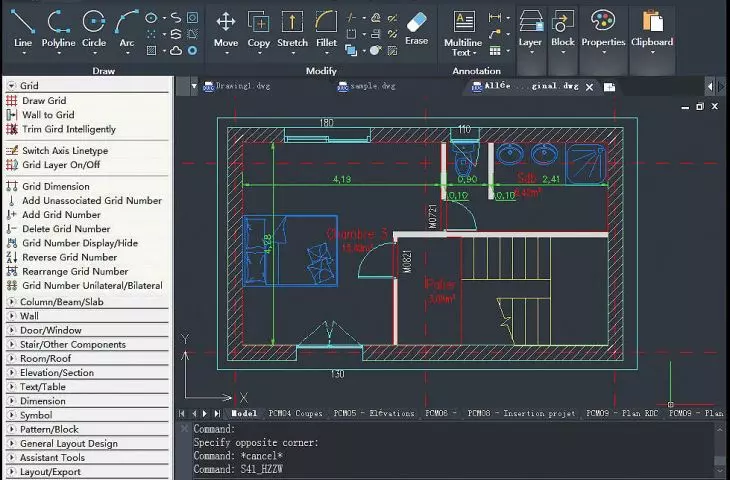
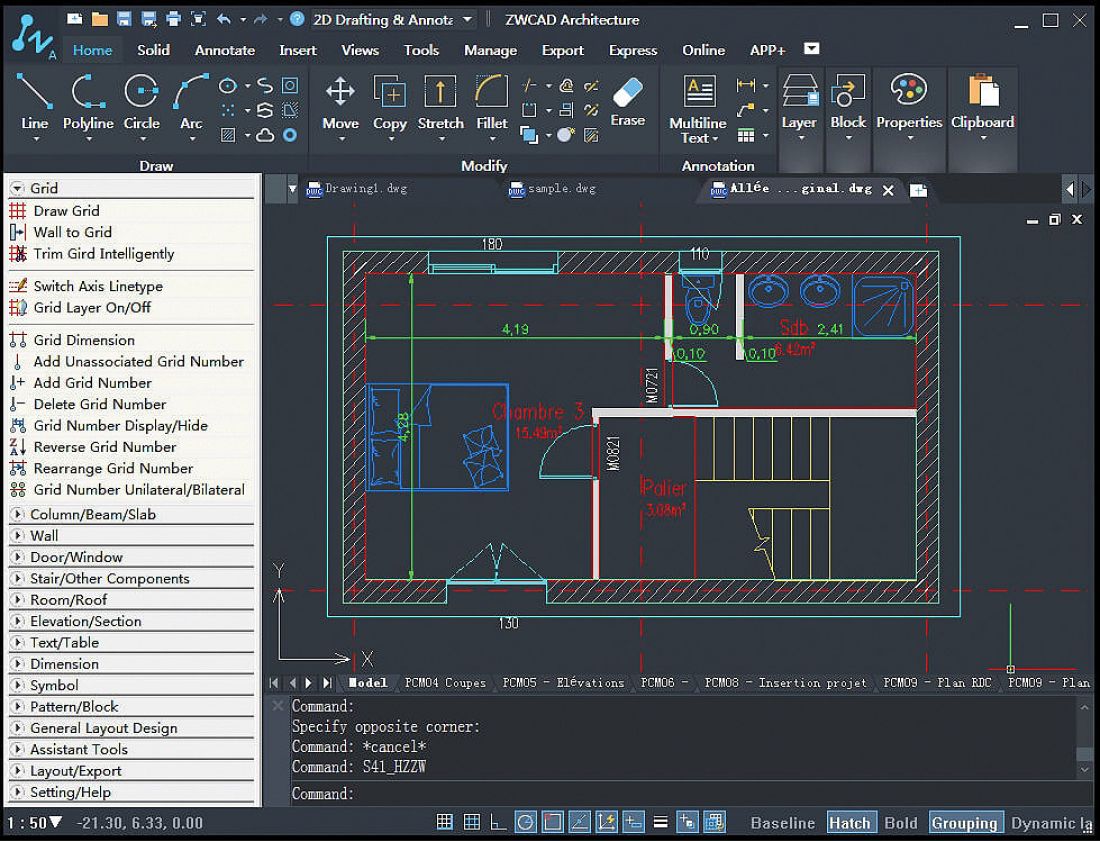
ZWCAD is not a "cheaper alternative." It is a refined, professional CAD tool with an interface, DWG file support and drawing capabilities so similar to AutoCAD that most users switch to it with virtually no adaptation period. Importantly, ZWCAD performs well in real-world working conditions: from concept drawings to architectural inventories to technical documentation.
The following presentation will provide concrete arguments showing why this solution deserves attention and why it has become the only choice for many designers, architects and surveyors.
© ZWCAD
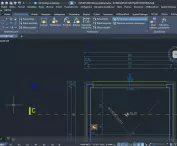
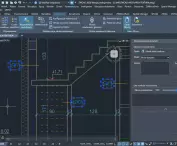
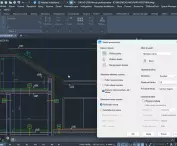
Among the novelties in the ZWCAD version worth mentioning are:
- parametric blocks compatible with Autocad
- dynamic editing of solids via handles, 3D editing manipulator - GIZMO
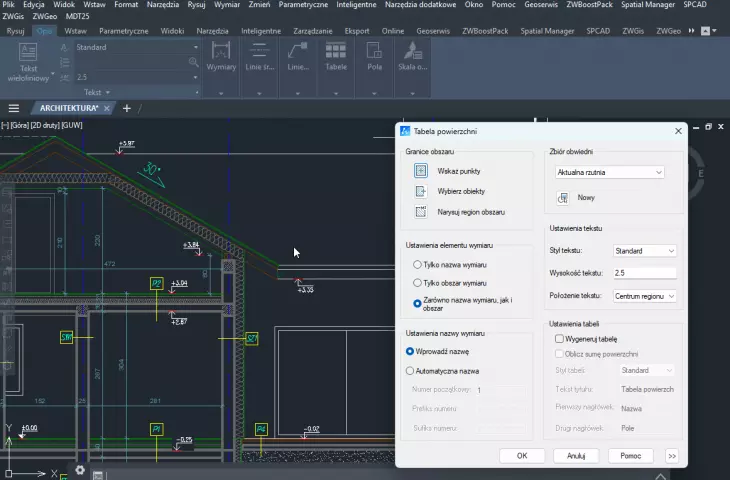
- SURFACE TABLE - surface dimensioning and tabular summaries
- data link, e.g. to an excel file
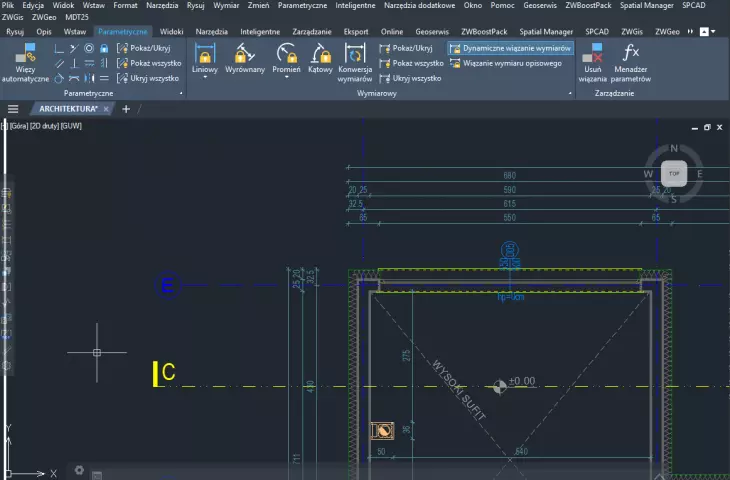
- Parameterization - geometric and dimensional constraints
- Smart dimensioning
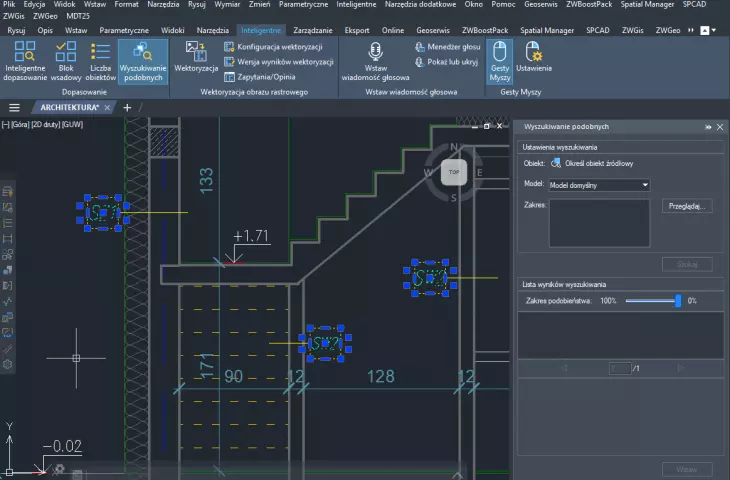
- Smart Match - the program analyzes geometry, searches for repetitive elements, suggests their replacement with blocks
- ZWCAD Toolbox - a set of additional drawing and optimization tools, e.g. expire all layers except the indicated one - with one click!
- import of STEP files
- import, modify and export IFC files
- Geoserwis plug-in - work on geodetic reference systems, loading orthophotos
- import and edit point clouds LAS, LAZ, e57, rcs, pts, rcp
- handling of transparency
- raster vectorization
- dynamic array - polar, rectangular and along-path
- data extraction (properties and attributes) from objects in a drawing
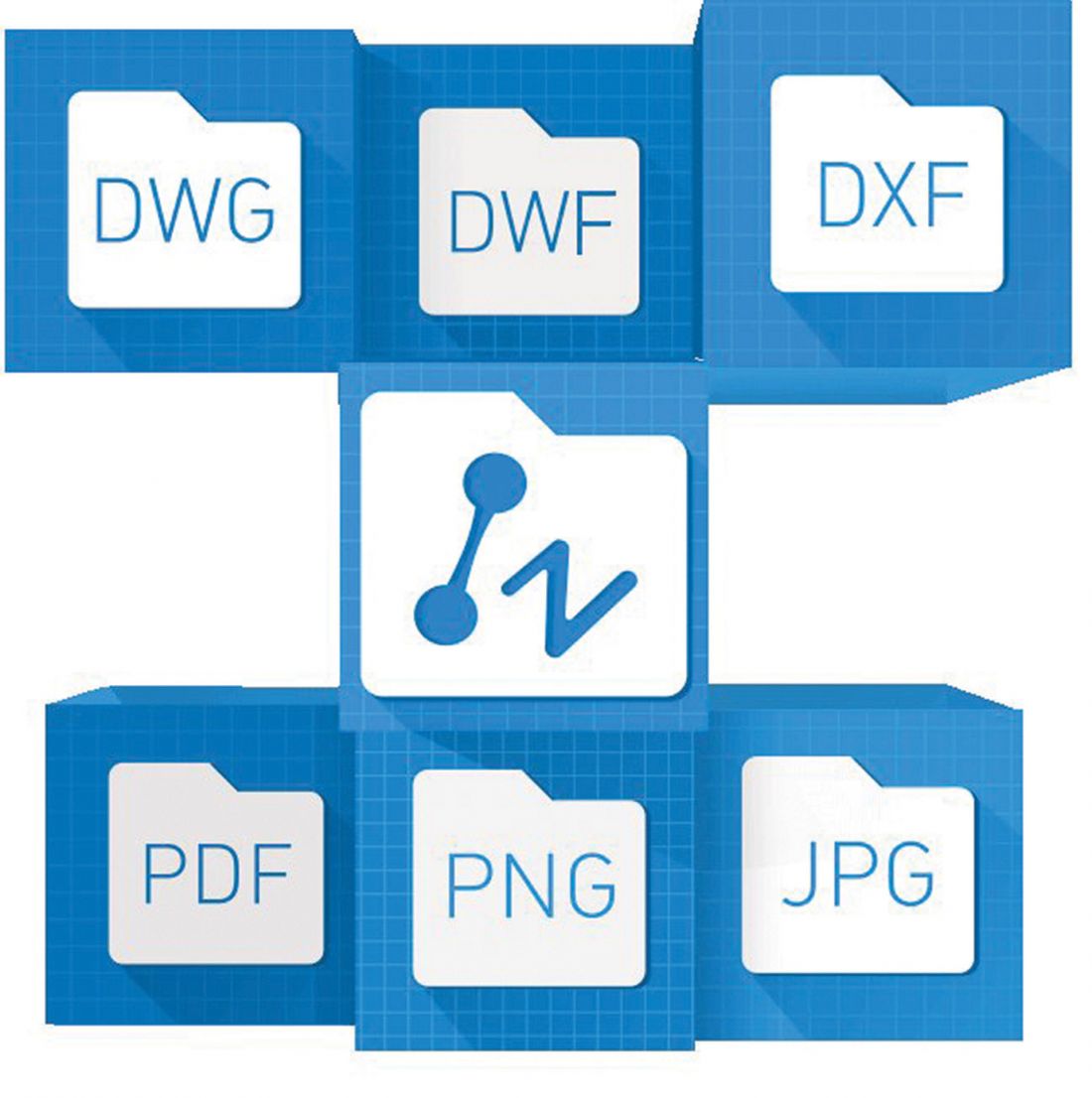
- connecting pdfs as rasters and importing in vector form + PDF underlay manager
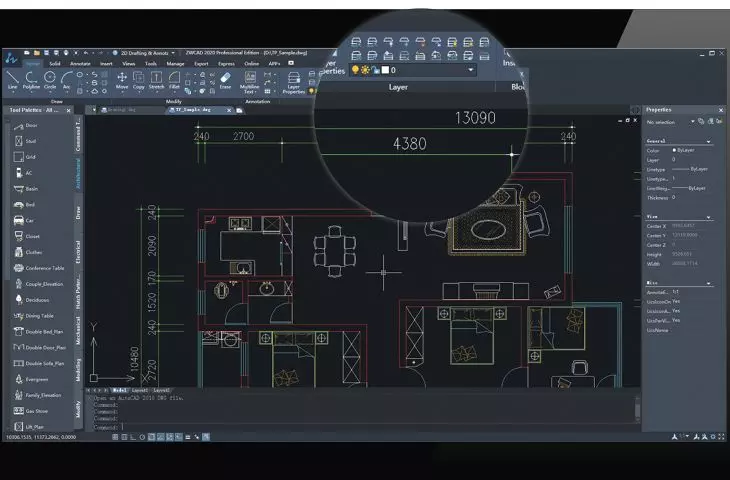
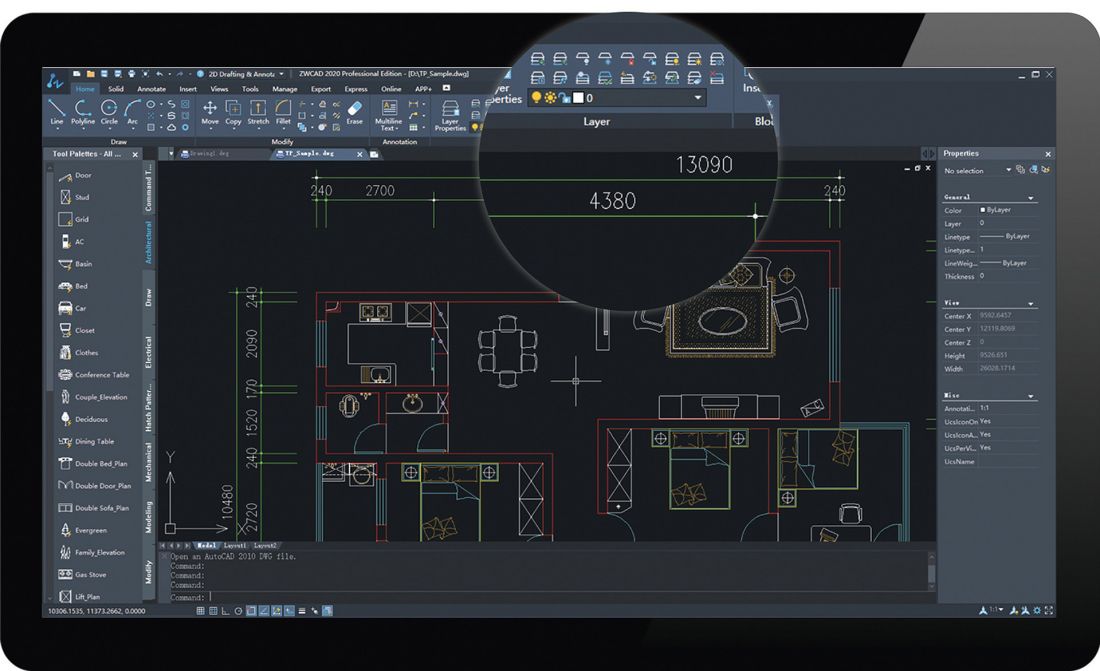
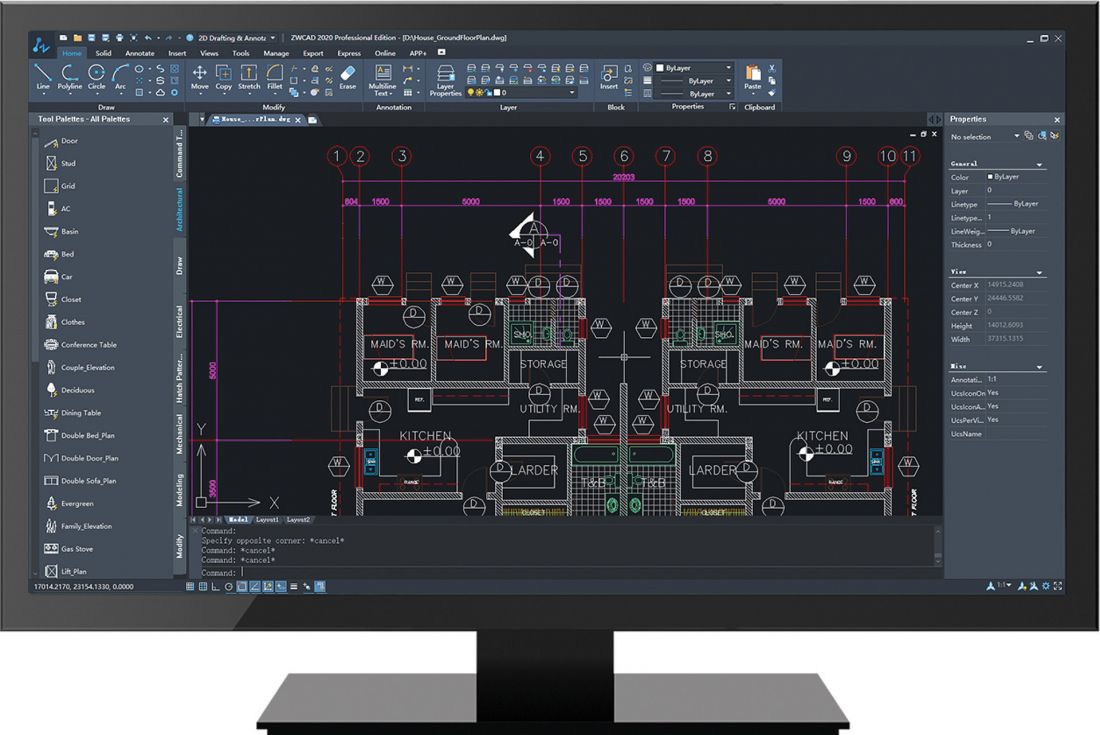
- Designer Center, Tool Palettes
- efficient and smooth work on rasters thanks to a separate engine for their handling
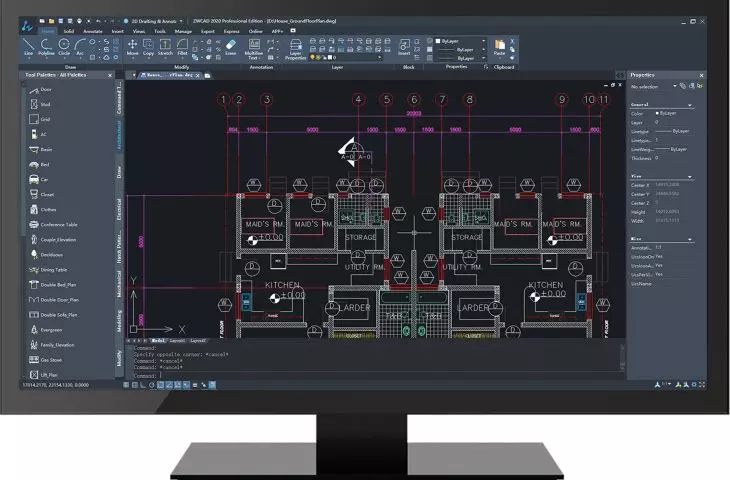
- modern, dark interface with the possibility to personalize the command layout and set the classic icon view or light interface colors
- SuperHatch function - users have full freedom - in addition to hatching with ready-made patterns, you can use your own bitmaps, blocks and links, the ability to select hatch backgrounds has appeared
- improved cross-reference manager - allows to effectively manage all external drawing sources: rasters, fonts and Xrefs
- file comparison
- built-in calculator
- viewport object matching - adjust the scale and position of objects between viewports
- unique features in ZWCAD - speeding up work: Smart Mouse (commands and commands via mouse gestures), Smart Voice adding voice comments and annotations) and Smart Selection (filtering and selecting objects according to their properties) and many more....
- support for the latest DWG2018 format
- powerful 64-bit version of the program, multiple language versions.
© ZWCAD
ZWCAD offers usersflexible and convenient forms of licensing, which allows users to transfer single-user and network version licenses, and friendly voluntary upgrade policy.
© ZWCAD
As part of the license purchased directly from Usługi Informatyczne SZANSA Sp. z o.o., which is the leading supplier of ZWCAD in Poland, the user gains indefinite post-purchase technical support included in the license price. U.I. SZANSA also provides individual training at multiple levels and a course on ZWCAD basics provided free of charge with the purchase of a license, which significantly helps you get started or switch from another CAD solution.
© ZWCAD
We encourage you to get acquainted with the trial version of the program, which is fully functional for 30 days from the first installation. In addition, we invite you to participate in free online workshops, the schedule of which can be found on our website: www.zwcad.pl
© ZWCAD
For more information, visit the company's Usługi Informatyczne „SZANSA” Sp. z o.o. page on the A&B portal.